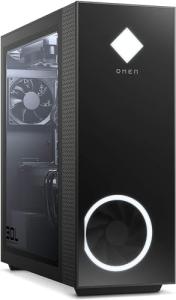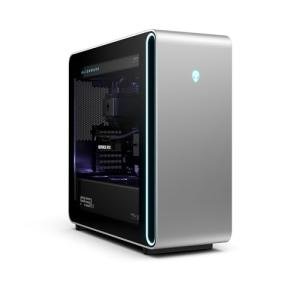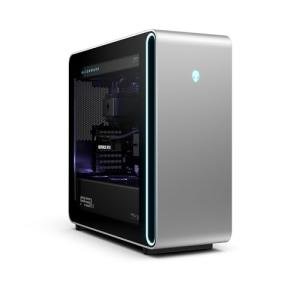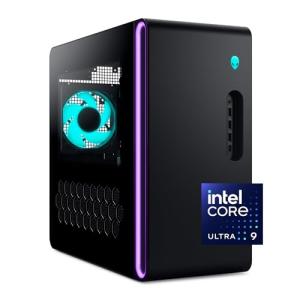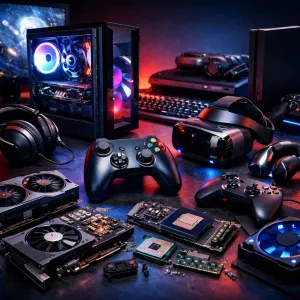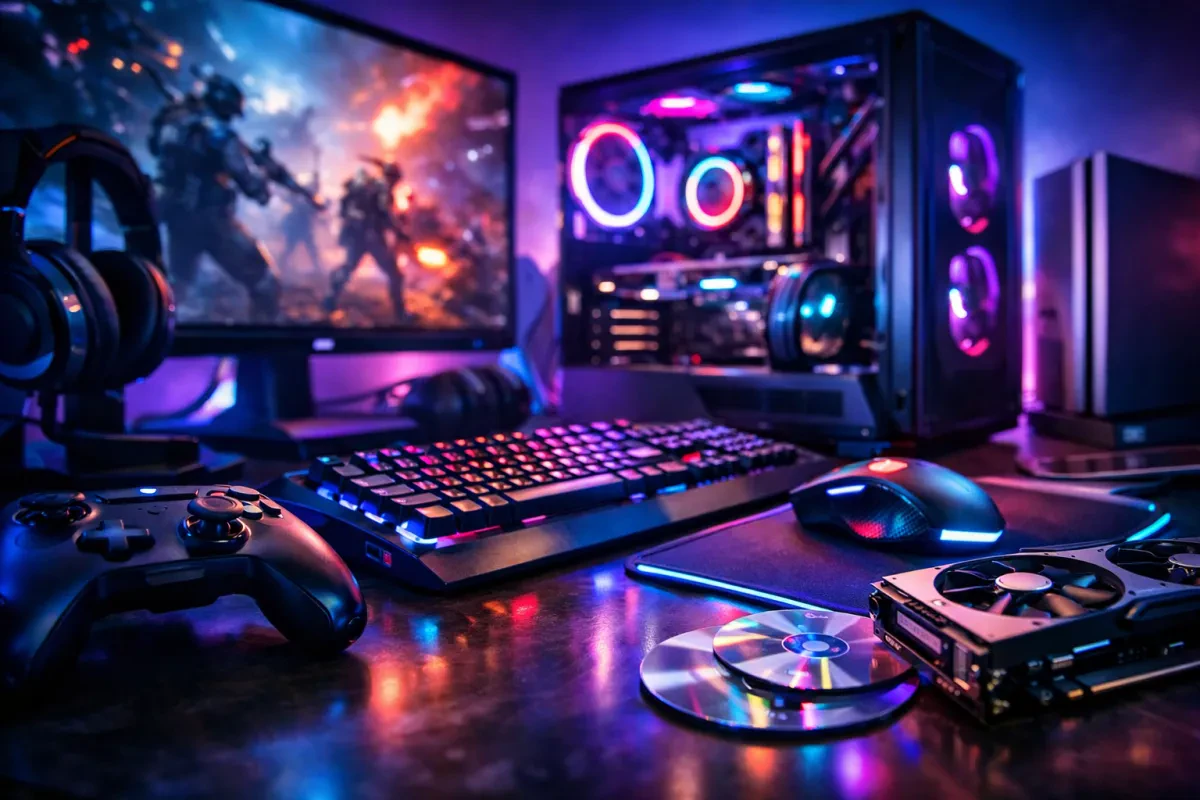
Gaming hardware refers to all the parts and gear that make your gaming experience smooth and enjoyable. It includes everything from the computer or console itself to accessories like keyboards, mice, and headsets. If you’re someone diving into this world, understanding gaming hardware for beginners is super important to help you level up your gaming setup.
At the core of your gaming experience is the computer or console. For PC gamers, powerful components like CPUs and graphics cards deliver stunning visuals and fast processing. Consoles, like the PlayStation or Xbox, come ready to play and have everything you need built-in. Choosing between the two often comes down to your preferences, whether you want the flexibility of a gaming PC or the simplicity of a console.
Accessories can totally change how you game. A responsive gaming mouse and mechanical keyboard can give you an edge in competitive games. Comfort also matters—a good gaming chair and a quality headset can make long sessions much more enjoyable. So, if you’re exploring gaming hardware for beginners, remember that good accessories enhance your overall experience.
Ultimately, understanding the basics of gaming hardware helps you make smart choices. Whether you're just starting out or looking to upgrade, knowing what you need makes all the difference. Don't hesitate to ask questions in gaming communities or check out reviews to find the best options for your setup.
Key Components Explained
When diving into gaming hardware for beginners, it's essential to understand the key components that make up your gaming setup. Each part plays a specific role, and knowing what they do helps you make smarter choices.
First up is the CPU, or the central processing unit. Think of it as the brain of your computer. It handles all the calculations and processes the commands you give. A faster CPU means smoother gameplay, especially in demanding titles. You don’t want to skimp on this if you want to keep up with newer games!
Next, we have the GPU, or graphics processing unit. This is what brings your games to life by rendering the graphics. A robust GPU will ensure you see stunning visuals and fast frame rates. If you want to enjoy the latest games at high settings, investing in a solid GPU is a must.
Then there's RAM, which helps your system run multiple tasks simultaneously. If you enjoy playing while also running other applications, like streaming software or web browsers, make sure you have enough RAM. For most gamers, 16GB is a sweet spot.
Lastly, the storage is crucial. You can choose between HDDs and SSDs. SSDs load games and files super fast, which is great for reducing wait times when launching games. An SSD is highly recommended for gaming hardware for beginners, as it can significantly enhance your overall experience.
Choosing the Right Setup
When you're diving into the world of gaming, the right setup can make all the difference. If you’re just starting out, it’s essential to choose gaming hardware that fits your needs without breaking the bank. You don't need to go for the latest and priciest tech; instead, focus on finding a solid balance of performance and affordability.
First off, think about whether you want a gaming PC or a console. PCs offer more flexibility and upgrade options, but they can also cost more, depending on what you want. Consoles are usually easier to set up and use, making them a great option for beginners. They come with everything you need right out of the box, and you can jump straight into gaming.
Next, consider what games you want to play. Some titles require more power than others. If you’re into graphics-heavy games, you’ll want a setup that includes a good graphics card and enough RAM. For casual gaming, a basic setup will work just fine. Look for systems optimized for gaming hardware for beginners to avoid compatibility headaches later on.
Don’t ignore the accessories! A comfortable chair, a solid headset, and a responsive mouse or controller can enhance your overall experience. Prioritize items that feel good to use and add to your gaming fun. A good setup is about comfort and compatibility, so pick what feels right for you.
Upgrading vs Buying New
When it comes to gaming hardware for beginners, one big question pops up: Should you upgrade your current setup or just buy something new? Both options have their pros and cons, so let’s break it down in a way that's easy to understand.
Upgrading might be the perfect choice if you've got a decent machine but want to boost performance without spending a fortune. Swap out that old graphics card for a newer model, and you could see a significant improvement in your gaming experience. More RAM or a faster SSD can also do wonders. Plus, upgrading lets you keep some of your existing gear, saving you cash in the long run.
On the flip side, if your current setup is downright ancient, splurging on a new system might be the way to go. Technology moves fast, and sometimes it makes sense to start fresh. A new system comes with all the latest features, better compatibility with current games, and a warranty that adds peace of mind. If you want a hassle-free gaming experience, investing in a complete package can be worth it.
Think about what's most important for your gaming needs. Want the latest graphics and performance? A new setup might be your best bet. Want to squeeze more life out of what you have? Upgrading can get you that boost without breaking the bank. Either way, knowing your options is essential when diving into gaming hardware for beginners.