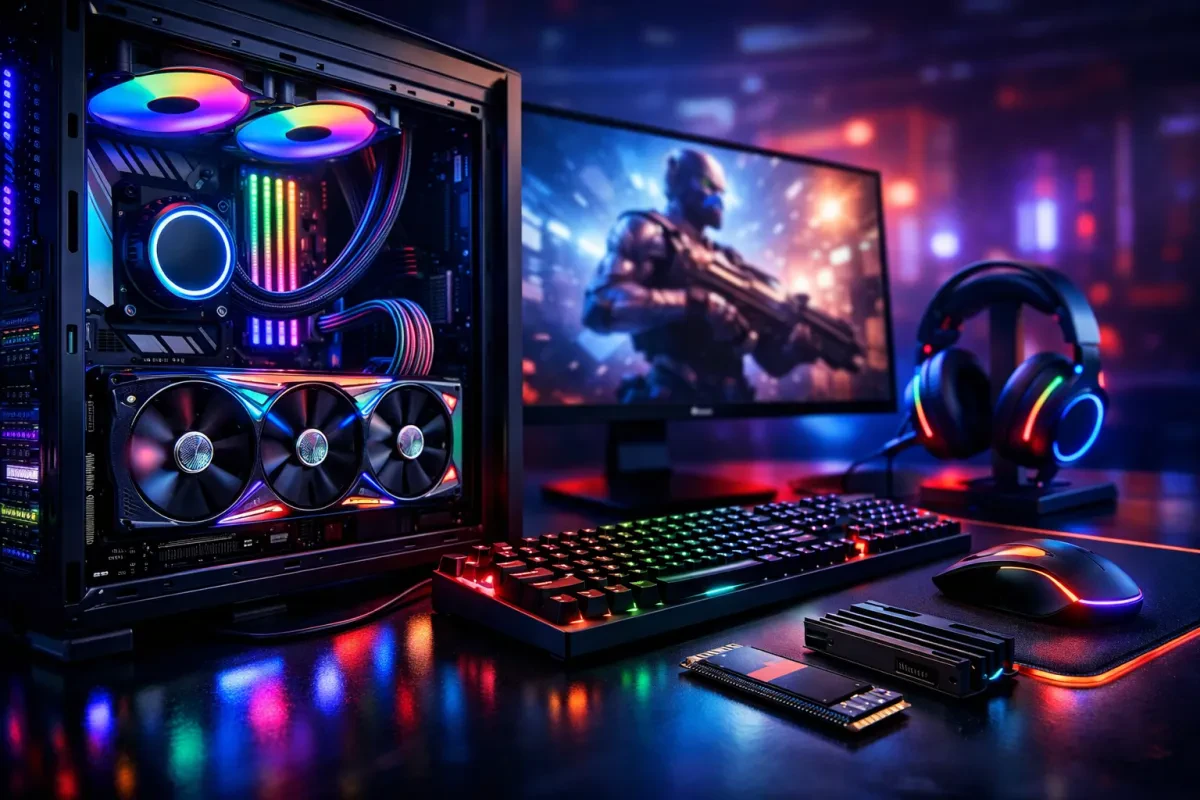
When building your ultimate gaming rig, you want components that deliver top performance, right? Here are some must-have parts to consider to make your gaming PC tech truly shine.
Graphics Card: You can't skip a powerful GPU. This is the heart of your gaming experience. Aim for brands like NVIDIA or AMD, as they provide stunning visuals and smooth gameplay. Look for models with ample VRAM to handle those demanding games without a hitch.
Processor (CPU): A fast CPU is crucial. It powers everything your games and apps do. Intel and AMD both have great options. For gaming, you'll want at least a quad-core processor. The newer models offer even better performance, so keep an eye out for those.
RAM: Don’t shortchange your RAM. You need enough memory for seamless multitasking. For most gamers, 16GB is the sweet spot. If you plan to stream or run games alongside other apps, bumping it up to 32GB can make a difference.
Storage Type: Solid State Drives (SSDs) are game-changers. They load games way faster than traditional hard drives. Look for NVMe SSDs if you want the quickest access speeds. Pair it with a larger HDD for mass storage, so you don’t run out of space for all those big game files.
Graphics That Bring Games to Life
When it comes to gaming, graphics can make or break your experience. Good graphics don't just look nice; they pull you into the game and make you feel like you're part of the action. That's why picking a solid graphics card should be high on your list when shopping for gaming PC tech.
Look for a graphics card that can handle the latest titles without a hitch. Nvidia and AMD are the big players here, and both have great options. If you're playing games that require a lot of power, aim for something like the Nvidia GeForce RTX series or the AMD Radeon RX series. These cards deliver stunning visuals and smooth gameplay, even at high settings.
Also, pay attention to VRAM. The more VRAM you have, the better your gaming visuals will be, especially if you’re gaming at 1440p or 4K resolutions. Aim for at least 6GB, but 8GB or more is a safer bet for future titles.
Don’t forget about cooling! High-performance graphics can generate a lot of heat. Make sure your gaming PC tech has good airflow or an aftermarket cooling solution to keep everything running smoothly. After all, you want to enjoy epic battles without worrying about overheating!

ASUS ROG Astral GeForce RTX™ 5090 Gaming Graphics Card (PCIe® 5.0, 32GB GDDR7, HDMI®/DP 2.1, 3.8-Slot, 4-Fan Design, Axial-tech Fans, Patented Vapor Chamber, Phase-Change GPU Thermal pad)
Product information
$3,359.99
Product Review Score
4.86 out of 5 stars
61 reviewsProduct links
Storage Options for Fast Load Times
When you're diving into the latest games, every second counts. You want to get in and start playing without waiting around for everything to load. That's where storage options come in, and it's a critical piece of the gaming PC tech puzzle.
Solid State Drives (SSDs) are the rockstars here. Unlike traditional hard drives, SSDs use flash memory, which means they can read and write data much faster. Say goodbye to lengthy load times and hello to jump-in-and-play gaming! If you want smooth performance and quick access to your favorite titles, an SSD is a must-have. Aim for at least a 500GB SSD to keep things running smoothly.
If you need a lot of storage but don’t want to break the bank, consider a dual setup. Pairing an SSD with a Hard Disk Drive (HDD) gives you the best of both worlds. Use the SSD for your operating system and most-played games, while the HDD can store all those massive game files and downloads. This combo keeps your gaming PC tech balanced and efficient without sacrificing performance.
Lastly, don’t forget to check out NVMe drives if you're really into speed. These are a type of SSD designed for high-performance PCs, offering even faster data transfer rates. Loading times? Almost non-existent. If you're serious about gaming and want the fastest option, investing in NVMe is worth it for your rig.
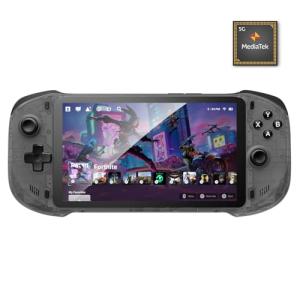
OnePro Cloud Handheld Portable Remote Play Gaming Console, For Xbox Cloud Gaming, NVIDIA GeForce NOW, Playstation, PC, Long-Battery Life, 7" 1080P Touchscreen, Lightweight Retro Game Handheld - 64G
Product information
Product Review Score
4.9 out of 5 stars
133 reviewsProduct links
Cooling Solutions to Keep Things Quiet
When you're diving into some intense gaming sessions, the last thing you want is a noisy system distracting you from the action. That's where cooling solutions come into play. An effective cooling system can keep your gaming PC tech running smoothly and quietly, allowing you to stay fully immersed in your game.
First off, let's talk about air cooling. This is a classic option that uses fans to circulate air and keep components at a safe temperature. It’s often more affordable and easier to install, making it a great choice for gamers who might be building their first rig. High-quality fans can be surprisingly quiet, and some even come with RGB lighting for that extra flair.
If you want to take things up a notch, consider liquid cooling. It might sound fancy, but it does wonders for keeping noise levels down. Liquid coolers use a pump and radiator system that's generally quieter than traditional fans. Plus, they often provide better cooling performance, especially if you're overclocking your CPU or GPU. Just keep in mind that they can be a bit more complicated to set up.
Don’t forget about thermal paste! A good thermal paste application can help enhance heat transfer between your CPU or GPU and the cooler. It’s a small step that can make a big difference in your gaming PC tech’s overall performance. A well-cooled system not only runs quieter but can also extend the lifespan of your components.
With the right cooling solution, your gaming PC tech will stay calm and collected, letting you focus on what really matters—the game. Whether you go for air, liquid, or a mix of both, making sure your system stays cool is key to a fun and uninterrupted gaming experience.